
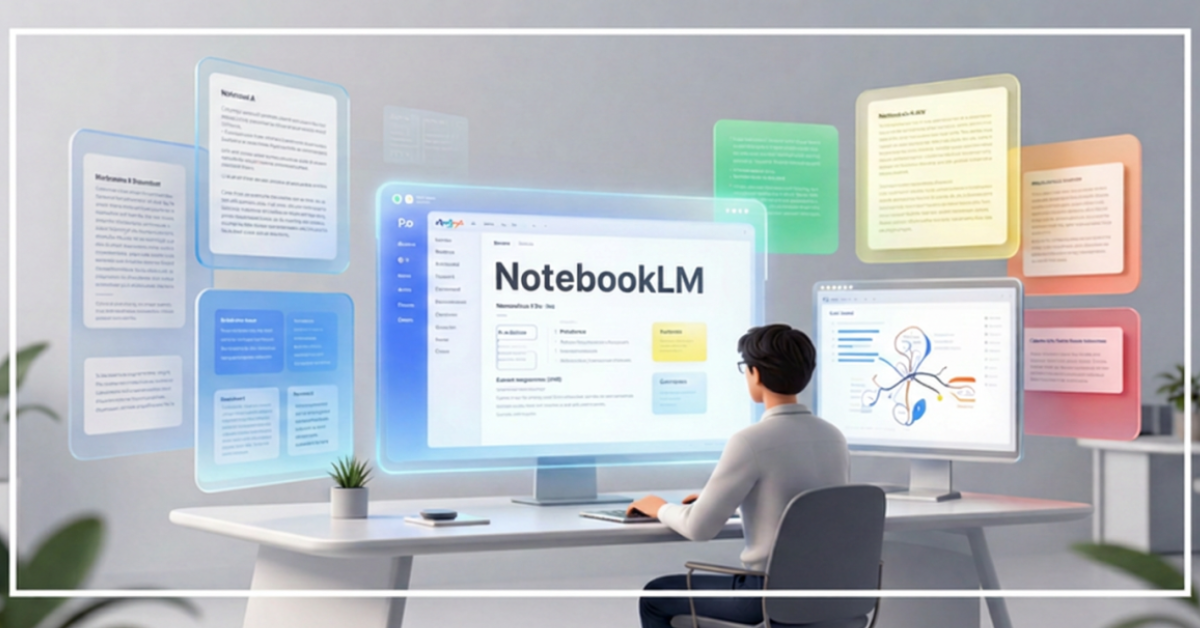
What Is NotebookLM?
Artificial intelligence tools have become increasingly capable of generating text, answering questions, and assisting with productivity. However, one challenge remains common: AI models often provide answers based on general internet knowledge rather than the specific documents users want to analyze.
This is where NotebookLM stands out.
NotebookLM is Google’s AI-powered research and knowledge assistant designed to help users understand, organize, and work with their own information sources. Instead of relying primarily on public web content, NotebookLM works directly with documents, PDFs, notes, presentations, transcripts, and other uploaded materials.
Think of it as having an AI research assistant that reads your documents first and then answers questions based on those sources.
For students, researchers, professionals, content creators, and teams, NotebookLM has quickly become one of the most practical AI tools in Google’s ecosystem. Lets dive into the complete guide to NotebookLM in 2026.
Table of Contents
How NotebookLM Works
Unlike traditional AI chatbots, NotebookLM follows a source-first approach.
The process is simple:
- Upload your sources
- NotebookLM analyzes the content
- Ask questions about the material
- Receive answers backed by citations
This approach significantly reduces hallucinations because responses are grounded in your uploaded documents.
For example, if you upload:
- Research papers
- Company reports
- Meeting transcripts
- Product documentation
- Study materials
NotebookLM can generate summaries, answer questions, create study guides, and identify key insights directly from those materials.
Major Features of NotebookLM
1. Source-Grounded AI Responses
Every answer is connected to your uploaded documents.
This makes NotebookLM particularly valuable for research and knowledge work.
2. Automatic Summaries
NotebookLM can quickly create:
- Executive summaries
- Key takeaways
- Topic breakdowns
- Knowledge snapshots
This saves hours of manual reading.
3. Study Guides
Students can automatically generate:
- Practice questions
- Study notes
- Revision guides
- Topic summaries
4. Audio Overviews
One of NotebookLM’s most innovative features is Audio Overviews.
The platform can transform documents into podcast-style discussions that make complex information easier to consume while commuting, exercising, or multitasking.
5. Smart Citations
Answers include references to original sources.
This improves trust and allows users to verify information quickly.
6. Multiple Source Analysis
NotebookLM can identify relationships across multiple documents, making it useful for research projects and business analysis.
NotebookLM Pricing in 2026
| Plan | Best For | Key Benefits |
|---|---|---|
| Free | Individual users | Basic research and note-taking |
| Premium Features via Google AI subscriptions | Power users and professionals | Higher limits, enhanced capabilities, larger projects |
Pricing structures may evolve as Google continues integrating NotebookLM into its broader AI ecosystem.
Users should verify current pricing directly from Google’s official product pages.
Who Should Use NotebookLM?
Students
Perfect for:
- Exam preparation
- Research projects
- Thesis writing
- Literature reviews
Researchers
Useful for:
- Academic papers
- Multi-source analysis
- Knowledge synthesis
- Evidence gathering
Content Creators
Can help with:
- Topic research
- Content planning
- Information extraction
- Podcast preparation
Business Professionals
Useful for:
- Meeting summaries
- Internal documentation
- Knowledge management
- Competitive analysis
Developers
Helpful for:
- Technical documentation
- API references
- Product requirements
- Architecture discussions
NotebookLM vs ChatGPT
| Feature | NotebookLM | ChatGPT |
|---|---|---|
| Document Grounding | Excellent | Good |
| Research Projects | Excellent | Good |
| Web Knowledge | Limited | Strong |
| Citations | Strong | Variable |
| Knowledge Management | Excellent | Moderate |
| Creative Writing | Moderate | Excellent |
NotebookLM excels when working with specific source materials.
ChatGPT remains stronger for broader brainstorming and creative tasks.
NotebookLM vs Gemini
| Feature | NotebookLM | Gemini |
|---|---|---|
| Source-Based Research | Excellent | Good |
| General AI Assistant | Limited | Excellent |
| Personal Knowledge Management | Excellent | Moderate |
| Multimodal AI | Growing | Excellent |
| Daily Productivity | Good | Excellent |
Rather than competing, these tools often complement each other. NotebookLM works exceptionally well when combined with Gemini for content creation workflows.
A practical workflow is:
NotebookLM → Research
Gemini → Creation
Practical Workflows
Research Workflow
Step 1:
Upload multiple reports.
Step 2:
Generate summaries.
Step 3:
Ask comparison questions.
Step 4:
Extract key insights.
Step 5:
Create final report.
This can reduce research time dramatically.
Content Creation Workflow
Content creators can:
- Upload industry reports
- Generate topic summaries
- Extract statistics
- Identify trends
- Create article outlines
This is particularly useful for bloggers covering AI, technology, and business topics.
Meeting Intelligence
Upload:
- Meeting transcripts
- Team notes
- Project updates
Generate:
- Action items
- Decisions
- Project summaries
- Follow-up recommendations
Learning Accelerator
Students can:
- Upload textbooks
- Create study guides
- Generate quizzes
- Build revision notes
- Produce audio summaries
This transforms passive reading into active learning.
Pros & Cons of NotebookLM
Advantages
- Source-grounded answers
- Reduced hallucinations
- Excellent research capabilities
- Smart citations
- Audio overview feature
- Strong knowledge management
Limitations
- Less suitable for creative writing
- Dependent on uploaded sources
- Some advanced features may require paid access
- Smaller ecosystem compared to general-purpose AI assistants
The Future of NotebookLM
NotebookLM represents an important shift in AI.
Instead of replacing human knowledge work, it enhances it.
Future developments may include:
- Deeper Gemini integration
- Workspace integration
- Enterprise knowledge systems
- Team collaboration features
- Enhanced multimodal capabilities
- Real-time document intelligence
As Google expands its AI ecosystem, NotebookLM is likely to become a central knowledge layer connecting documents, research, and productivity workflows.
Final Verdict
NotebookLM is one of the most practical AI tools available in 2026.
While many AI platforms focus on generating content, NotebookLM focuses on understanding information.
For students, researchers, creators, developers, and business professionals, this distinction makes a significant difference.
If your daily work involves reading, researching, learning, analyzing, or synthesizing information, NotebookLM deserves a place in your productivity toolkit.
Key Takeaways
- NotebookLM is Google’s AI-powered research assistant.
- It works primarily with your own documents.
- Source-grounded answers improve reliability.
- Audio Overviews are among its most innovative features.
- Ideal for students, researchers, professionals, and creators.
- Complements Gemini rather than replacing it.
- Strong choice for knowledge management and research workflows.
FAQs
1. Is NotebookLM free to use?
Yes, a free version is available, though advanced capabilities may depend on Google’s AI subscription offerings.
2. Is NotebookLM better than ChatGPT?
For document-based research, often yes. For creative writing and broad brainstorming, ChatGPT may be stronger.
3. Can NotebookLM summarize PDFs?
Yes. PDF analysis and summarization are among its core strengths.
4. Does NotebookLM provide citations?
Yes. Responses are linked to uploaded sources whenever possible.
5. Can students use NotebookLM for studying?
Absolutely. It can generate study guides, quizzes, summaries, and revision notes.
6. Does NotebookLM work with Gemini?
Yes. NotebookLM and Gemini complement each other within Google’s AI ecosystem.
7. Can businesses use NotebookLM?
Yes. It is useful for internal knowledge management, documentation, and meeting analysis.
Sources & References
- NotebookLM Official Product Documentation
- Google Gemini Official Documentation
- Google AI Studio Documentation
- Google Workspace AI Documentation
- Google I/O Product Announcements
- Google Product Pages
- Google Research
- Google Cloud Documentation
- Google AI
Author Bio

Amit Gupta is a UI/UX Designer and Frontend Specialist with more than 20 years of experience in product design, design systems, Angular development, frontend architecture, and emerging technologies. Through AmitGuptaBlogs.com, he shares practical insights on AI, Google technologies, design workflows, development tools, and future technology trends.
Related Articles
- How to Use Google Gemini for Daily Productivity
- Gemini vs ChatGPT: Which AI Assistant Is Better?
- Google AI Studio Explained for Beginners
- Best Google AI Tools You Should Learn in 2026