
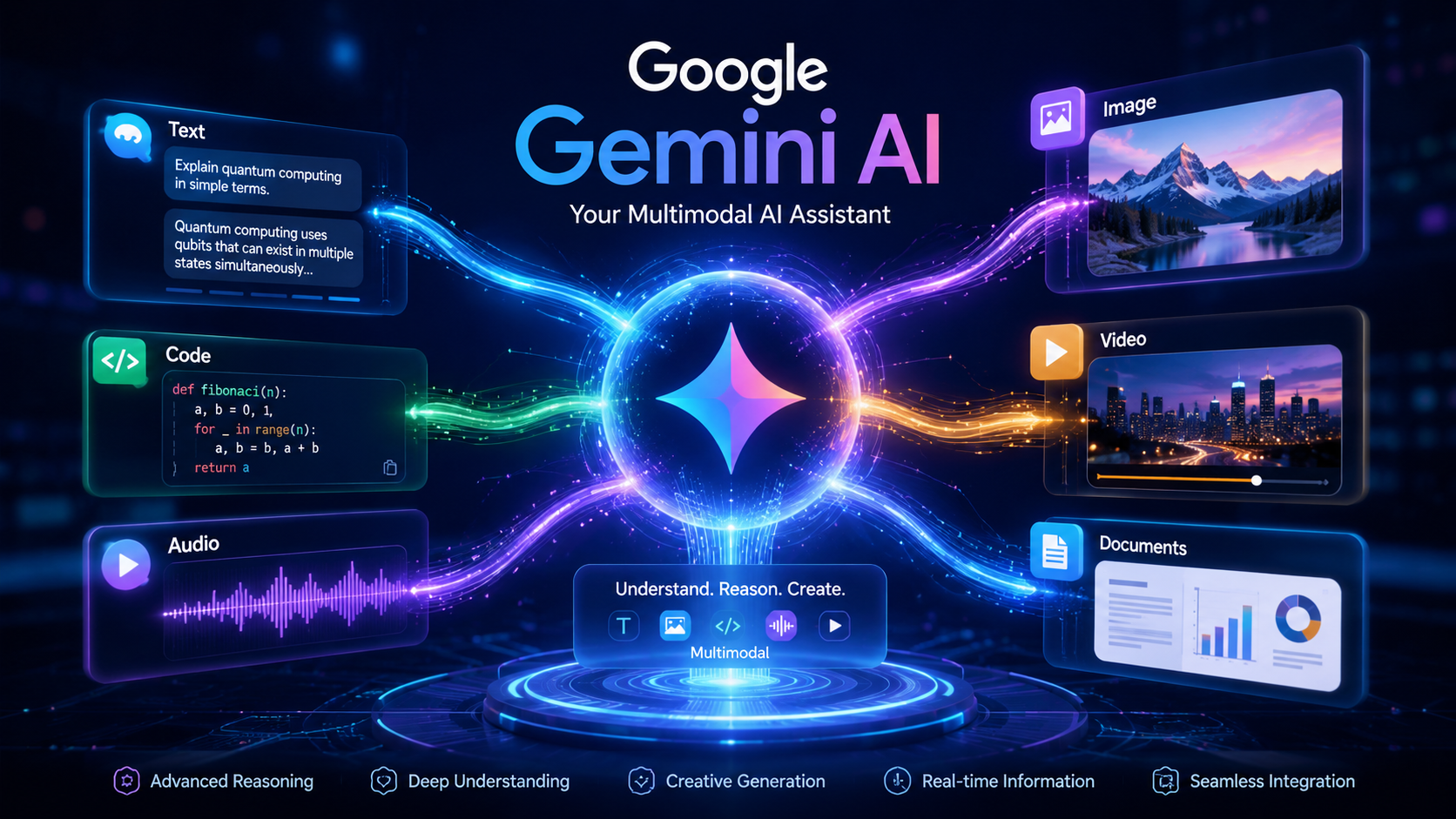
Artificial Intelligence has rapidly moved from being a futuristic concept to becoming an everyday productivity tool. Whether you are writing emails, generating content, analyzing documents, creating presentations, coding applications, or conducting research, AI assistants are becoming an integral part of modern workflows.
Among the major players in this space, Google has made a significant push with Google Gemini AI, its next-generation artificial intelligence platform designed to compete with and expand beyond traditional AI chatbots.
But what exactly is Google Gemini AI, and why is it becoming one of the most important AI platforms in the technology industry?
In this beginner-friendly guide, we’ll explore everything you need to know about Gemini AI, including how it works, its features, practical use cases, integrations, and future potential.
Table of Contents
What Is Google Gemini AI?
Google Gemini is Google’s family of advanced artificial intelligence models developed by Google DeepMind. It was designed as a multimodal AI system capable of understanding and processing different types of information, including:
- Text
- Images
- Audio
- Video
- Code
- Documents
Unlike traditional AI systems that primarily focus on text, Gemini was built from the ground up as a multimodal model capable of reasoning across multiple forms of information simultaneously.
Google originally introduced Gemini as the successor to Bard, gradually transforming it into the centrepiece of its AI ecosystem. Today, Gemini powers a growing range of Google products, services, and developer platforms.
The Evolution from Bard to Gemini
Many users first encountered Google’s conversational AI through Bard.
However, Google later consolidated its AI strategy under the Gemini brand, introducing more powerful models and deeper integrations across its ecosystem.
This shift represented more than a simple name change.
Gemini became Google’s unified AI platform that now powers:
- Gemini App
- Google Workspace AI
- NotebookLM
- Google AI Studio
- Developer APIs
- Enterprise AI solutions
- Android AI experiences
The goal is simple:
Create an AI assistant that can understand, reason, create, and assist across virtually every digital workflow.
How Does Google Gemini Work?
At its core, Gemini is a large multimodal model.
Traditional language models primarily work with text.
Gemini extends this capability by understanding multiple input formats simultaneously. Google describes Gemini as a multimodal model capable of reasoning across text, images, video, audio, and code. (Google Cloud)
For example, Gemini can:
- Analyze an image and explain what it contains
- Read documents and summarize them
- Understand code snippets
- Generate written content
- Answer questions from uploaded PDFs
- Assist with research projects
This multimodal approach makes Gemini particularly powerful for real-world tasks where information rarely exists in a single format.
Key Features of Google Gemini AI
1. Natural Language Conversations
Users can interact with Gemini using everyday language.
You can ask questions like:
- Explain quantum computing
- Write a blog outline
- Summarize this document
- Generate a marketing strategy
The AI responds conversationally and can maintain context across interactions.
2. Multimodal Understanding
One of Gemini’s biggest advantages is multimodal reasoning.
It can work with:
- Images
- PDFs
- Documents
- Screenshots
- Videos
- Audio inputs
This allows users to solve more complex problems compared to text-only systems.
3. Coding Assistance
Developers increasingly use Gemini for:
- Code generation
- Debugging
- Documentation
- Learning new frameworks
- Building prototypes
Google continues expanding Gemini’s capabilities for software development through APIs and development tools. (Google AI for Developers)
4. Content Creation
Gemini can assist with:
- Blog writing
- Social media content
- Email drafting
- Product descriptions
- SEO brainstorming
- Content planning
Content creators often use it as a research and productivity assistant rather than a complete replacement for human expertise.
5. Research and Knowledge Analysis
Gemini has become increasingly useful for:
- Summarizing large documents
- Comparing information sources
- Generating study notes
- Organizing research materials
This capability becomes even more powerful when combined with NotebookLM.
Understanding the Google Gemini Ecosystem
One of the biggest misconceptions is that Gemini is only a chatbot.
In reality, Gemini now powers a growing ecosystem of AI products.
Gemini App
The Gemini App is Google’s consumer-facing AI assistant.
It allows users to:
- Ask questions
- Generate content
- Brainstorm ideas
- Analyze documents
- Conduct research
- Manage productivity tasks
For many users, the Gemini App serves as the entry point into Google’s AI ecosystem.
Gemini Advanced
Gemini Advanced provides access to more capable AI models and premium features.
It is designed for users who require:
- Better reasoning
- Larger context windows
- Advanced workflows
- Enhanced productivity capabilities
Professional users, researchers, creators, and developers often benefit the most from these advanced features.
Google AI Studio
For developers and AI enthusiasts, Google AI Studio provides a platform for experimenting with Gemini models and building AI-powered applications. Google describes AI Studio as the fastest path to working with Gemini APIs and AI development. (Google Cloud)
Developers can:
- Test prompts
- Experiment with models
- Build prototypes
- Integrate Gemini APIs
For frontend developers and Angular developers, AI Studio can become a practical environment for exploring AI-powered applications.
NotebookLM
NotebookLM is one of Google’s most exciting AI products.
Instead of relying solely on general web knowledge, NotebookLM allows users to upload their own sources and interact with them through AI-powered conversations. Google has also expanded integration between Gemini and NotebookLM notebooks. (blog.google)
Common use cases include:
- Research projects
- Study materials
- Business documentation
- Meeting notes
- Knowledge management
Students, researchers, and professionals can dramatically improve information organization using NotebookLM.
Google Workspace with Gemini
Google has integrated Gemini across Workspace products including:
- Gmail
- Docs
- Sheets
- Slides
- Meet
- Drive
These integrations help users write faster, summarize information, analyze data, and automate repetitive tasks. (Google Workspace Help)
Examples include:
- Drafting emails
- Creating presentations
- Summarizing meetings
- Generating spreadsheets
- Researching company information
Gemini Enterprise Agent Platform
Google’s enterprise AI offerings continue expanding through the Gemini Enterprise Agent Platform.
Businesses can leverage Gemini models for:
- Custom AI assistants
- Enterprise workflows
- Automation
- Knowledge systems
- AI-powered applications
This positions Gemini not only as a consumer AI tool but also as a serious enterprise technology platform. (Google Cloud Documentation)
Real-World Use Cases
For Students
Students can use Gemini for:
- Study summaries
- Exam preparation
- Research assistance
- Concept explanations
- Writing support
Google also promotes AI learning tools and educational workflows built around Gemini. (Grow with Google APAC)
For Developers
Developers can:
- Generate code
- Learn frameworks
- Debug applications
- Create documentation
- Build AI-powered products
For Designers
As a UI/UX professional, I’ve seen growing opportunities for AI-assisted design workflows.
Gemini can help with:
- UX research synthesis
- Content generation
- Design documentation
- User journey analysis
- Design system planning
For Content Creators
Creators can use Gemini for:
- Content planning
- Keyword research
- Video scripting
- Blog outlines
- Social media ideation
For Business Professionals
Business teams can leverage Gemini for:
- Meeting summaries
- Report generation
- Data analysis
- Internal knowledge management
- Productivity optimization
Google Gemini vs ChatGPT
| Feature | Google Gemini | ChatGPT |
|---|---|---|
| Google Ecosystem Integration | Excellent | Limited |
| Workspace Integration | Native | Limited |
| Multimodal Capabilities | Strong | Strong |
| Developer Tools | AI Studio + APIs | OpenAI APIs |
| Research Workflow | Strong with NotebookLM | Strong with GPT tools |
| Search Integration | Deep Google integration | Varies by plan |
Both platforms are excellent.
The best choice often depends on your workflow and preferred ecosystem.
Pros and Cons of Google Gemini
Advantages
- Strong multimodal capabilities
- Deep Google ecosystem integration
- Powerful research workflows
- Growing enterprise adoption
- Useful for developers and creators
- Integration with Workspace
Limitations
- Some advanced features require paid plans
- Features may vary by region
- AI responses still require verification
- Rapid product evolution can create learning curves
The Future of Google Gemini
Google continues expanding Gemini across its product ecosystem.
Recent developments include:
- More advanced Gemini models
- Enhanced Workspace integration
- Notebook synchronization features
- Enterprise AI expansion
- AI Studio improvements
- Agent-based workflows and automation capabilities (Google Cloud Documentation)
Looking ahead, Gemini is likely to become increasingly integrated into:
- Search
- Android
- Productivity software
- Development environments
- Enterprise platforms
- Smart home ecosystems (The Verge)
Should Beginners Use Google Gemini?
Absolutely.
Gemini is one of the most beginner-friendly AI platforms available today.
Whether you’re:
- A student
- A developer
- A designer
- A business professional
- A content creator
Gemini provides accessible entry points into practical AI usage.
The combination of Gemini, NotebookLM, Google AI Studio, and Workspace AI creates a powerful ecosystem capable of supporting both personal and professional growth.
Conclusion
Google Gemini AI represents far more than a chatbot.
It is rapidly becoming the foundation of Google’s AI strategy across consumer products, developer tools, business platforms, and productivity software.
Its multimodal capabilities, deep integration with Google’s ecosystem, and expanding enterprise offerings position Gemini as one of the most influential AI platforms shaping the future of work and digital experiences.
For beginners looking to understand modern AI, learning Gemini is an excellent place to start.
As Google continues investing heavily in artificial intelligence, Gemini will likely become an increasingly important part of how people learn, create, collaborate, and build technology in the years ahead.
Key Takeaways
- Gemini is Google’s flagship multimodal AI platform.
- It can understand text, images, code, audio, video, and documents.
- Gemini powers multiple Google products and services.
- NotebookLM and AI Studio are important parts of the ecosystem.
- Developers, students, creators, and businesses can all benefit from Gemini.
- Google’s AI ecosystem is becoming increasingly interconnected.
FAQs
1. What is Google Gemini AI?
Google Gemini AI is Google’s family of multimodal artificial intelligence models capable of understanding text, images, video, audio, code, and documents.
2. Is Google Gemini free?
Google offers both free and premium Gemini experiences. Advanced features may require paid subscriptions.
3. Is Gemini better than ChatGPT?
It depends on your workflow. Gemini excels in Google ecosystem integration, while ChatGPT has strengths in other areas.
4. What is Gemini Advanced?
Gemini Advanced provides access to more powerful AI models and enhanced capabilities.
5. What is NotebookLM?
NotebookLM is Google’s AI-powered research and knowledge management tool that works with your own uploaded sources.
6. Can developers use Gemini APIs?
Yes. Developers can access Gemini models through Google AI Studio and Gemini APIs.
7. Does Gemini work with Google Workspace?
Yes. Gemini integrates with Gmail, Docs, Sheets, Slides, Meet, and Drive.
Author Bio

Amit Gupta is a UI/UX Designer and Frontend Specialist with more than 20 years of experience in product design, design systems, Angular development, frontend architecture, and emerging technologies. Through AmitGuptaBlogs.com, he shares practical insights on AI, Google technologies, design workflows, development tools, and future technology trends.